OpenClaw
OpenClaw is an open-source AI assistant that runs on your computer or server.
What OpenClaw can do
OpenClaw connects to your tools, applications, and online services. It can help developers write code, debug applications, automate tasks, and manage files.
It can also support everyday workflows:
Create and manage shopping lists.
Set reminders and recurring tasks.
Manage your calendar and schedule appointments.
Summarize and organize your emails.
Monitor product or flight prices and notify you of changes.
Research topics by browsing the web.
Read and summarize documents and PDFs.
Automate repetitive daily workflows.
Send messages through supported communication platforms including but not limited to WhatsApp, Discord, Telegram, Slack, iMessage.
Control compatible smart home devices.
Create custom automations tailored to your personal or professional needs.
If you plan to use Anthropic Claude CLI, set up Claude Code first.Follow Set up Anthropic Claude Code on Linux. Then return here to set up OpenClaw.If you plan to use OpenAI with ChatGPT, continue with this guide.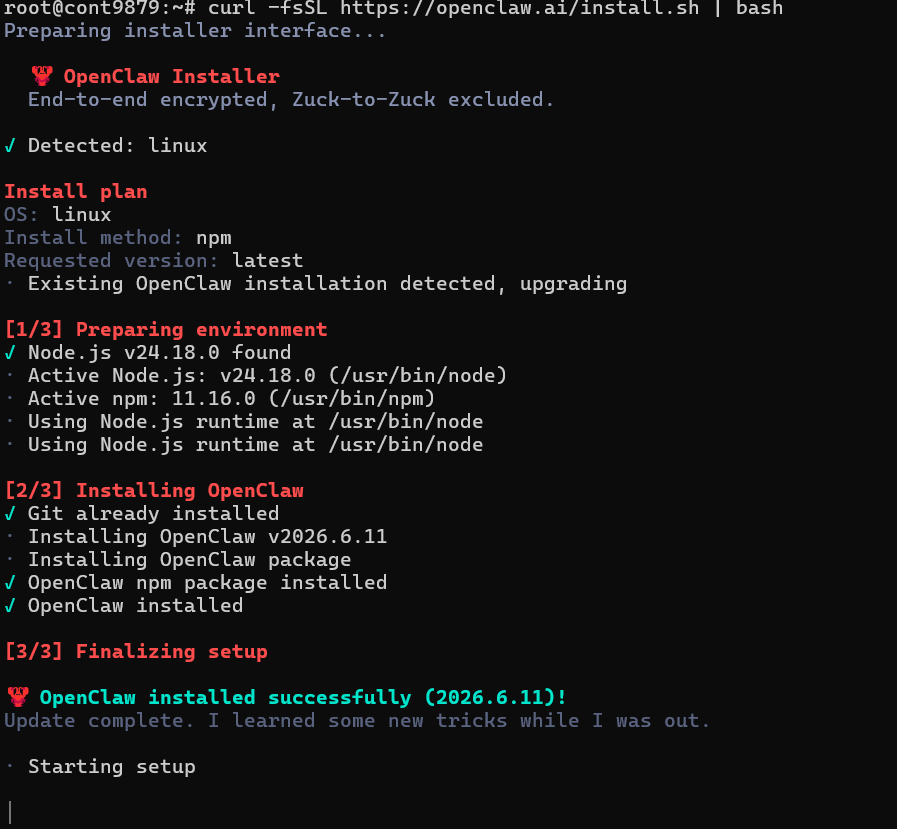
Complete onboarding
Follow the prompts to finish the installation.
Choose
Yes, then press Enter.

Choose
QuickStart, then press Enter.

Choose an AI provider.
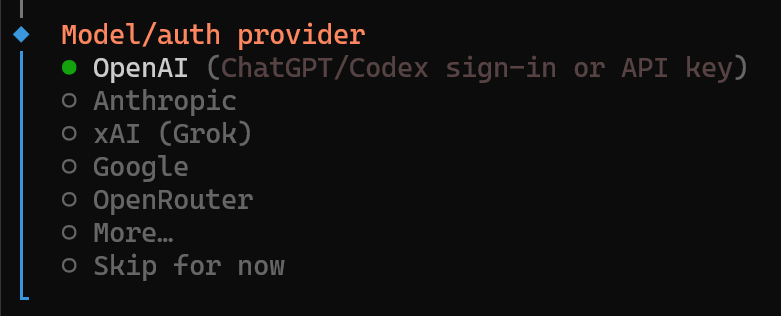
Use these guides to connect OpenAI or Anthropic: